A CPU has a few very clever cores. A GPU has thousands of simple ones.
An illustration, not a measurement: the real benchmark is in step 2.
A CPU core is a brilliant generalist. It can jump between tasks, make decisions and handle complicated logic quickly, but a laptop has maybe 8 to 16 of them.
A GPU was designed to colour millions of screen pixels at once, so it is built from thousands of simple cores that all do the same small sum on different data at the same time. Each one is slower and dumber than a CPU core, but there are so many of them that for the right kind of job they win by a mile.
The right kind of job
Every number in the result of a matrix multiplication can be worked out independently of the others. That makes it the perfect GPU job, and it is what neural networks spend nearly all their time doing.
Run the same matrix multiplication on your own CPU and GPU.
This multiplies two large grids of random numbers, once on one core of your CPU and once on your graphics chip through WebGPU, a browser feature for running code on the GPU. The result is in GFLOPS: billions of arithmetic operations per second.
Even a laptop's built-in graphics usually beats the CPU by 10 to 100 times here. A data-centre GPU like the NVIDIA H100 is rated at close to 1,000,000 GFLOPS for this kind of math.
WebGPU works in recent Chrome and Edge, and in newer Safari. If your browser does not support it, only the CPU result appears. Results vary with battery saving, other tabs and browser version.
Every word a model writes costs about two operations per parameter.
To produce each word piece (token), a language model multiplies its input through every weight once and adds the results: roughly 2 operations per parameter. A 70-billion-parameter model needs about 140 billion operations for every token it writes.
Pick a model to see the totals, and how long the math alone would take at the GPU speed measured in step 2 and on an H100.
But that is not the whole story
By this count, an H100 should write thousands of tokens per second for a large model. In practice a single conversation runs far slower. The reason is the next step: memory.
To write each word, the whole model must be read from memory. Memory speed sets the pace.
Speed shown is the upper limit for a single conversation: memory bandwidth divided by model size. Real systems land below it, and serve many users at once to make better use of the chip (module 11).
Each parameter is stored as a number taking 2 bytes (16-bit), 1 byte (8-bit) or half a byte (4-bit). A 70-billion-parameter model at 16-bit is 140 GB, more than one H100's 80 GB can hold, so it has to be split across two or more chips.
Writing one token means streaming every one of those bytes from memory to the cores. So the speed limit is memory bandwidth ÷ model size. That is why the newest chips race to add faster, bigger memory (HBM, stacked right beside the chip), and why shrinking models to 8-bit or 4-bit makes them run faster as well as fit.
From the card in my homelab to the chips behind frontier AI.
Click a layer of the diagram to see what it does.
A generic diagram, not any specific product.
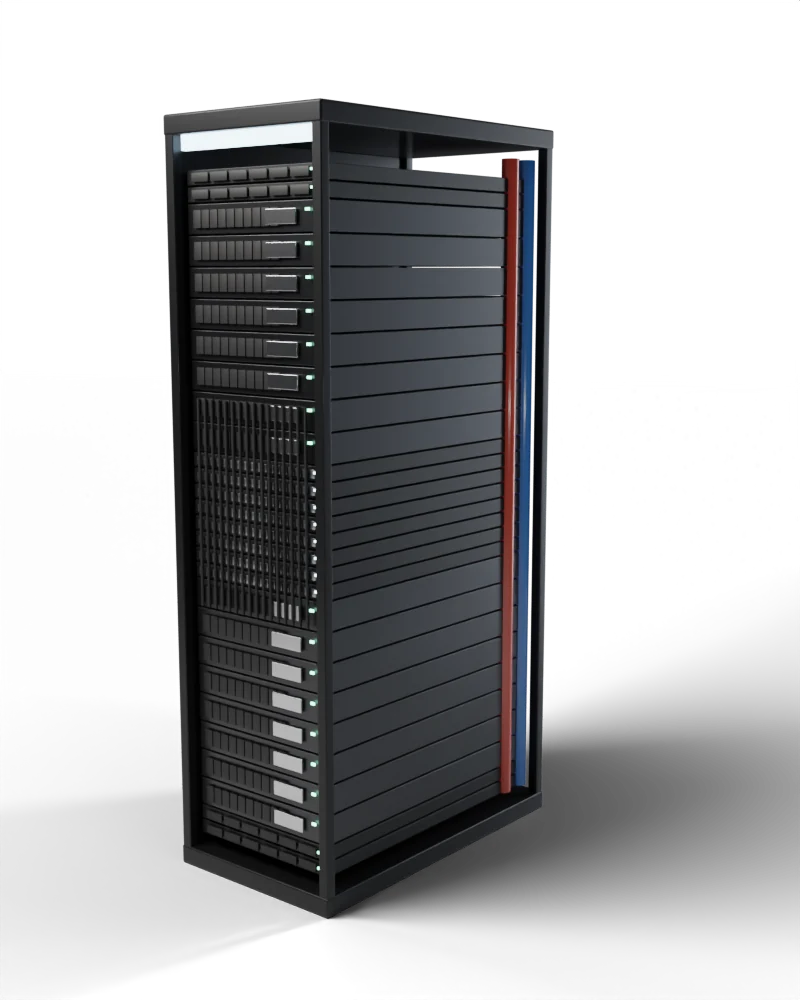
The pictures are my own 3D renders of each kind of hardware, not photos of the exact products. Specs as published by each manufacturer. Prices are approximate: workstation cards from retail listings, data-centre chips from reported estimates, since they are sold mainly in large systems. Rubin figures are announced, not yet shipping in volume.
Look at the memory column. My RTX 2080 has 8 GB, enough for a small model squeezed to 4-bit. The RTX PRO 6000 workstation card has 96 GB. A single B200 has 192 GB of HBM next to the chip, at 8 TB/s, about 18 times faster than the gaming card's memory.
The biggest models do not run on one chip at all. NVIDIA's GB200 NVL72 is a single liquid-cooled rack of 72 GPUs wired together so tightly they act like one giant GPU, drawing roughly as much power as 100 homes. Module 10 covers how thousands of these are combined to train a model.